
Its own window, at its own size
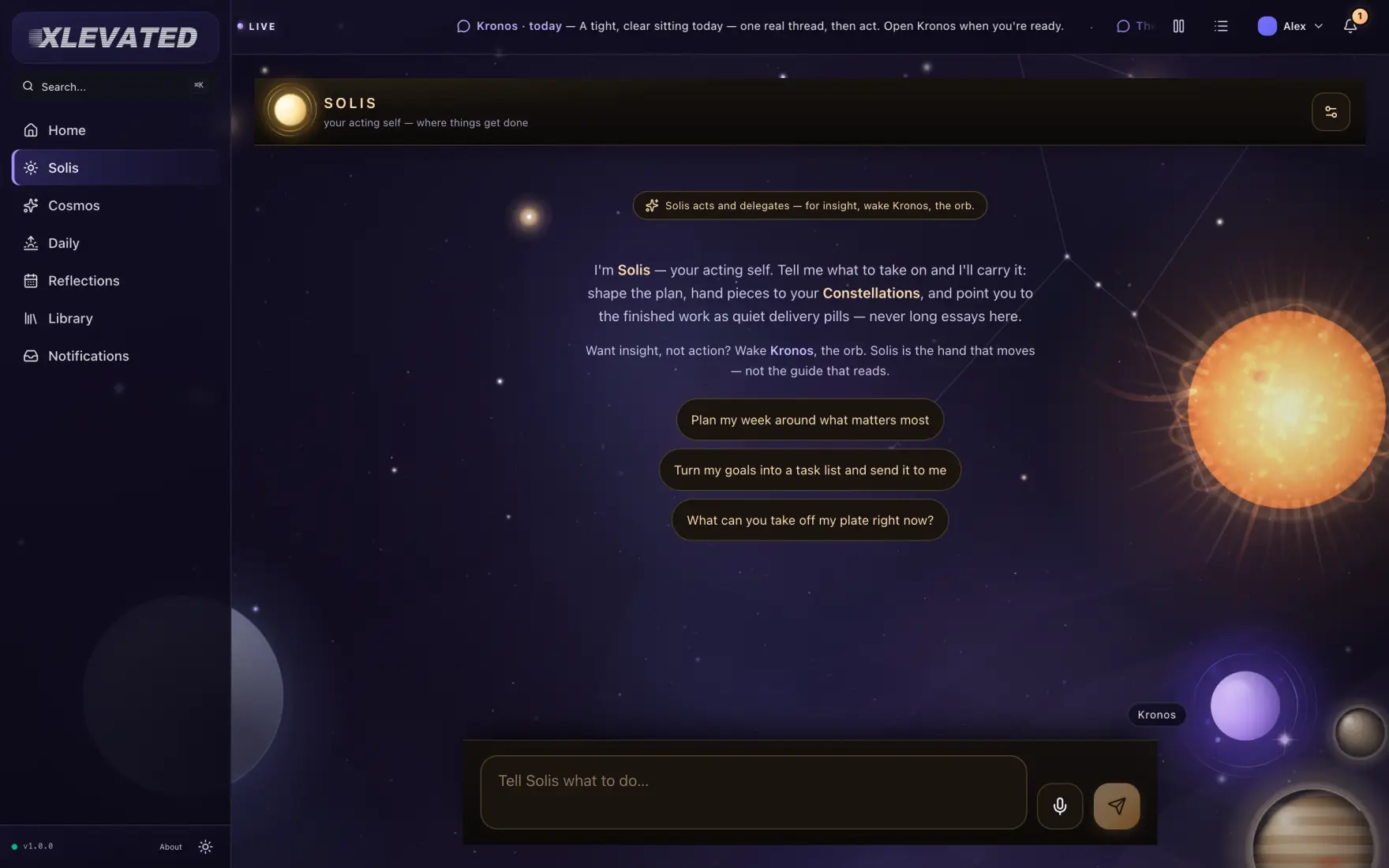
It opens at a size built for reading, and remembers the last spot it was left at. The cosmos runs right up under the window chrome, so the sky fills the whole window.
Some of this is a glance. Some of it is an hour: the long read, the honest conversation, the evening finally written down. All of it gets a window of its own.

XLEVATED for Mac installs and quits like any other app. Its own icon, its own window, its own place in ⌘-Tab — a real habit, not a tab left open out of guilt.
It opens at a size built for reading, and remembers the last spot it was left at. The cosmos runs right up under the window chrome, so the sky fills the whole window.
Ask Kronos, the command palette, quick capture, settings — as menu items with shortcuts, where a Mac user expects to find them. Nothing important is hidden behind a hover.
Set the theme once, in a real Settings pane on ⌘. The Mac remembers it — on its own, apart from every other device signed in.
Started, but not shipped
These entitlements already exist in the project. They stay closed until their own sprint — listed here to show direction, not to promise the first release.
Captured from the running app at a desktop viewport. The Mac app renders exactly this — which is why a window around a screenshot is an accurate picture of it, and not a flattering one.




A phone is for tapping. A Mac is for typing. The things used most should never take hunting to find.
One account, one sky. Whatever you open it on, you pick up exactly where you set it down.
XLEVATED for Mac is a signed, notarized download from this site — no store in between, and it updates itself from inside the app. Begin on the web today; it is the same account, and the Mac app opens straight into it.
What it needs
Prefer to stay in the browser? XLEVATED on the web is the same product, with nothing to install. All three apps.