
One app, both devices
The same download runs on your iPhone and your iPad, and lays itself out for whichever one you opened. Nothing to buy twice, nothing to keep in step.
Everything the phone holds, with room to breathe. Wander your Constellations instead of scrolling past them. A reading you settle into rather than skim. The cosmos at the size it was always drawn for.
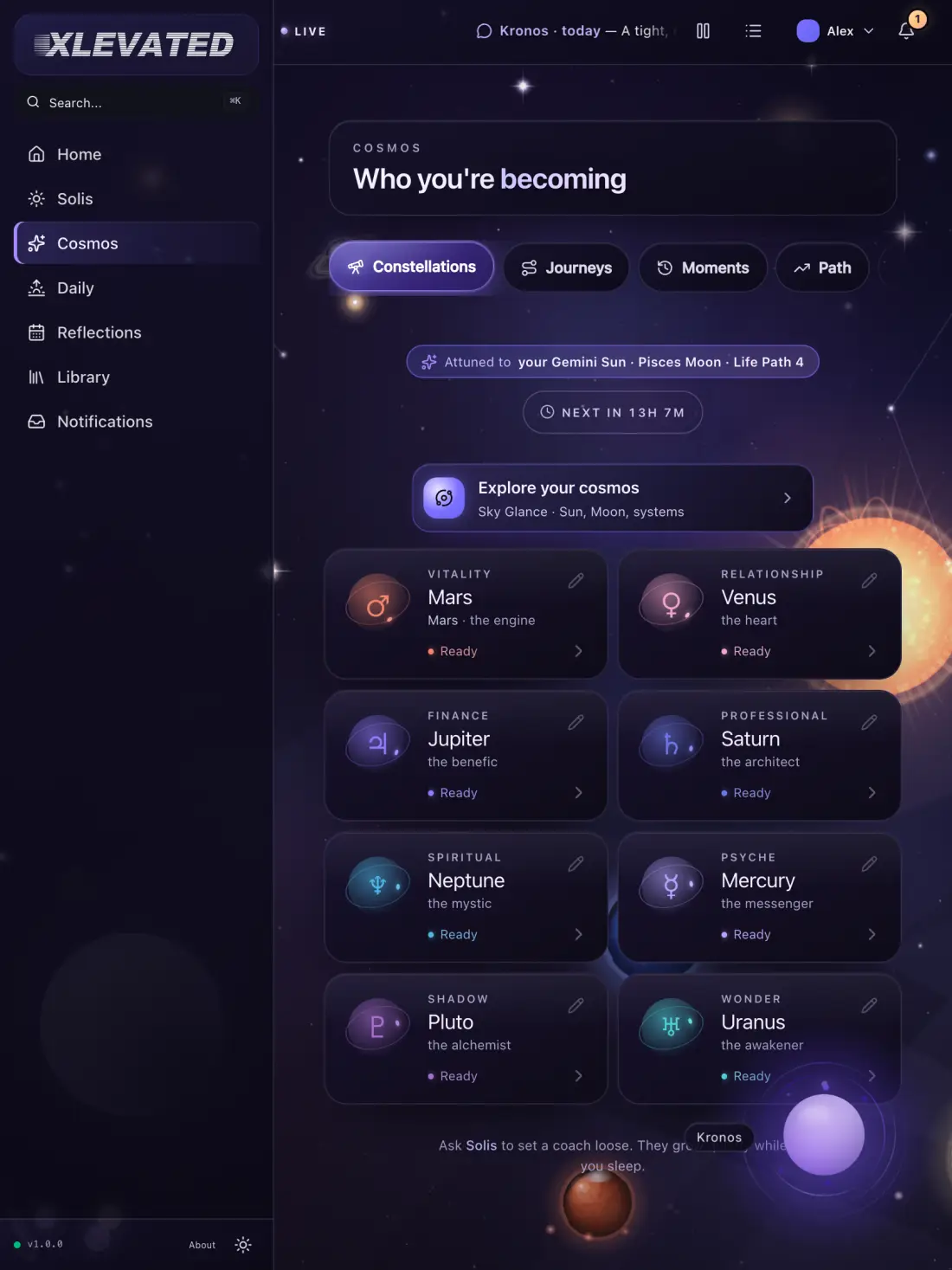
XLEVATED is one universal app. The iPad is not a smaller audience getting a scaled-up build — it is the same XLEVATED, drawn for the space it has.
The same download runs on your iPhone and your iPad, and lays itself out for whichever one you opened. Nothing to buy twice, nothing to keep in step.
All four orientations. Portrait for reading, landscape for wandering the sky — turn it mid-sentence and the layout follows you instead of arguing.
Split View and Stage Manager are supported, so the cosmos can sit next to your notes, your calendar, or the thing you are actually supposed to be doing.
Started, but not shipped
Version one is deliberately a single window — one cosmos, one place. Multi-window and the extension targets are being built; they are listed here so the roadmap is visible, not so it reads as a feature.
Captured from the running app at an iPad viewport. Where the phone stacks, the tablet spreads — the constellation rail, the reading and the cards all get their own space.
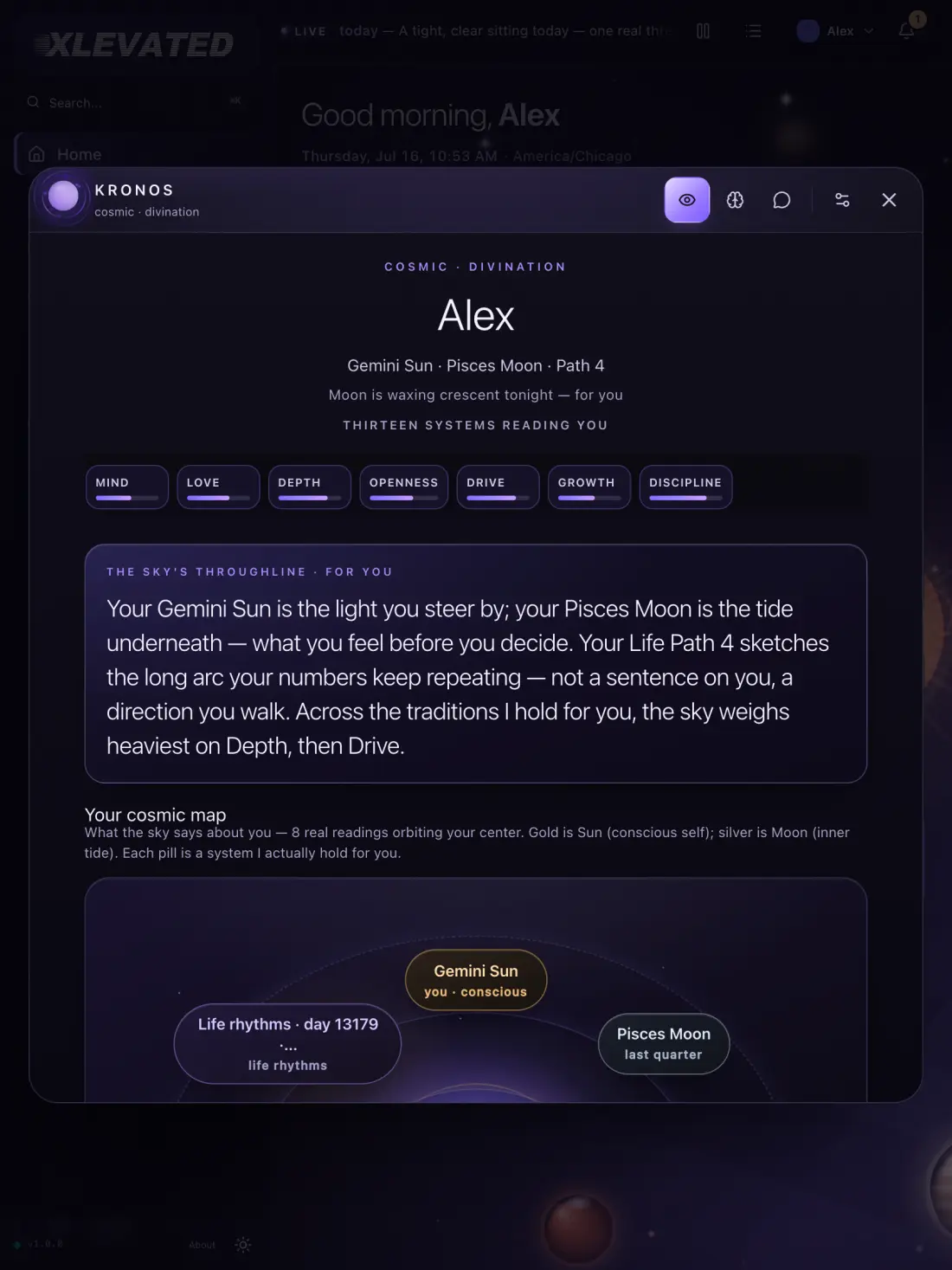
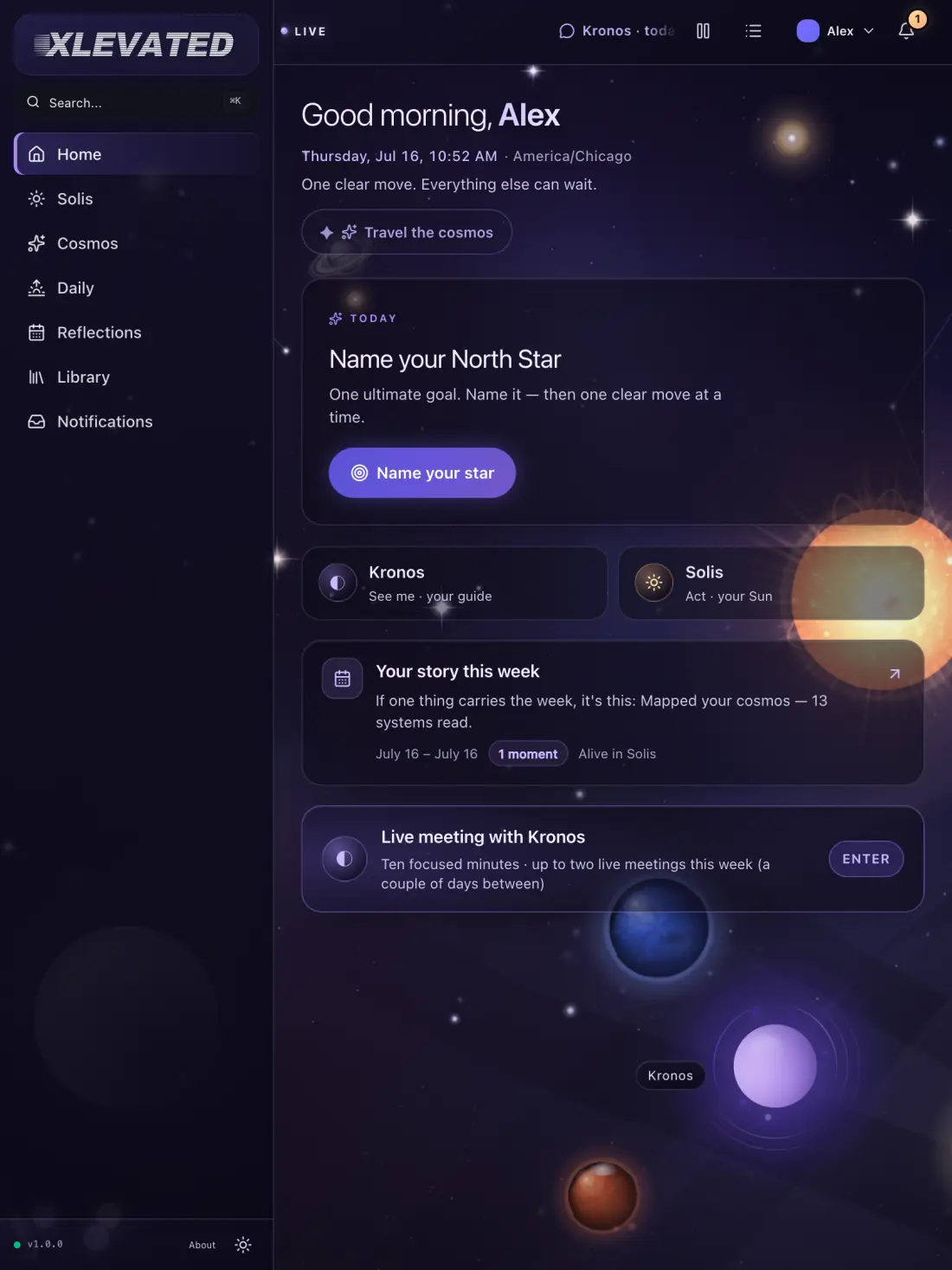
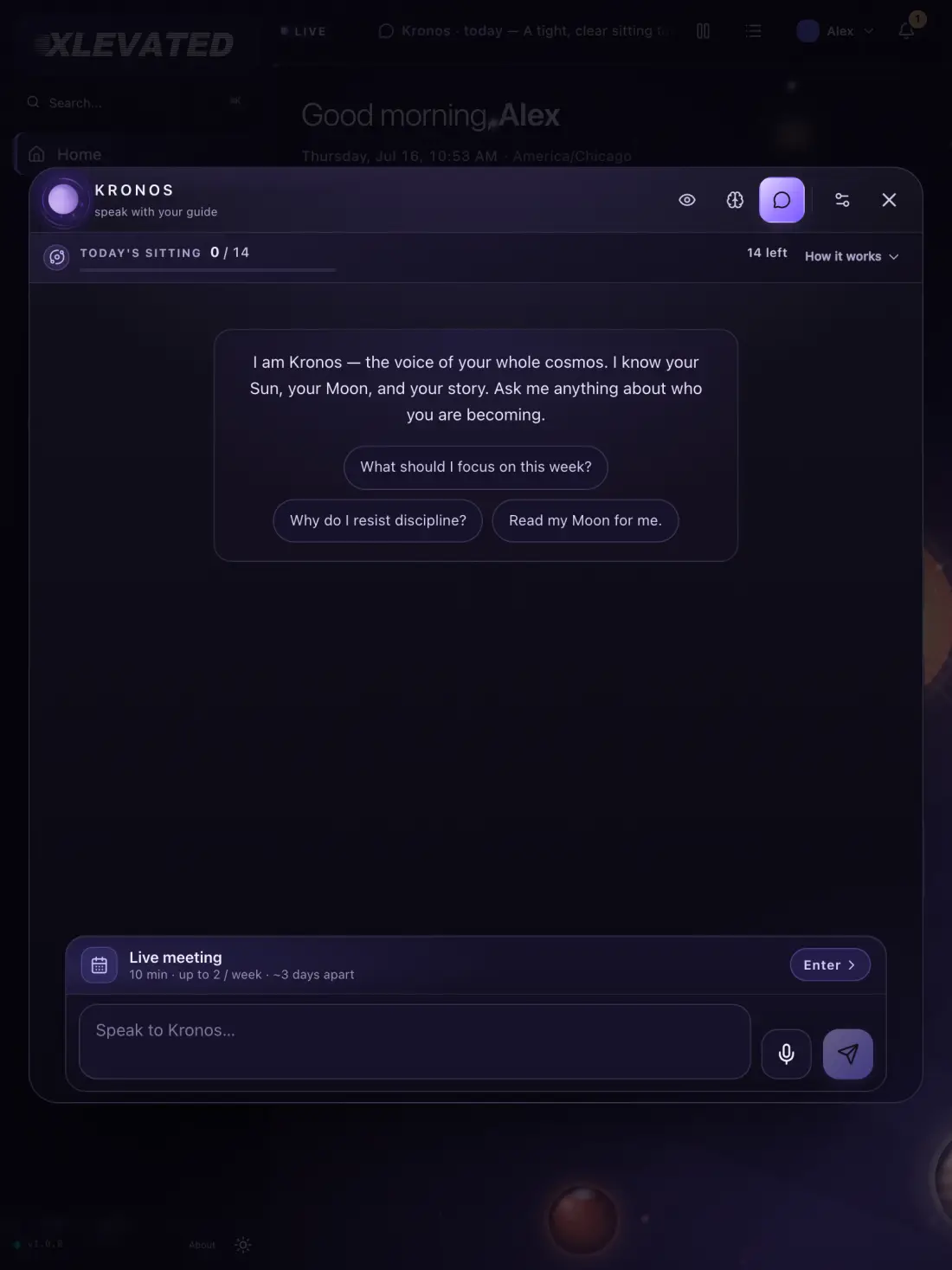
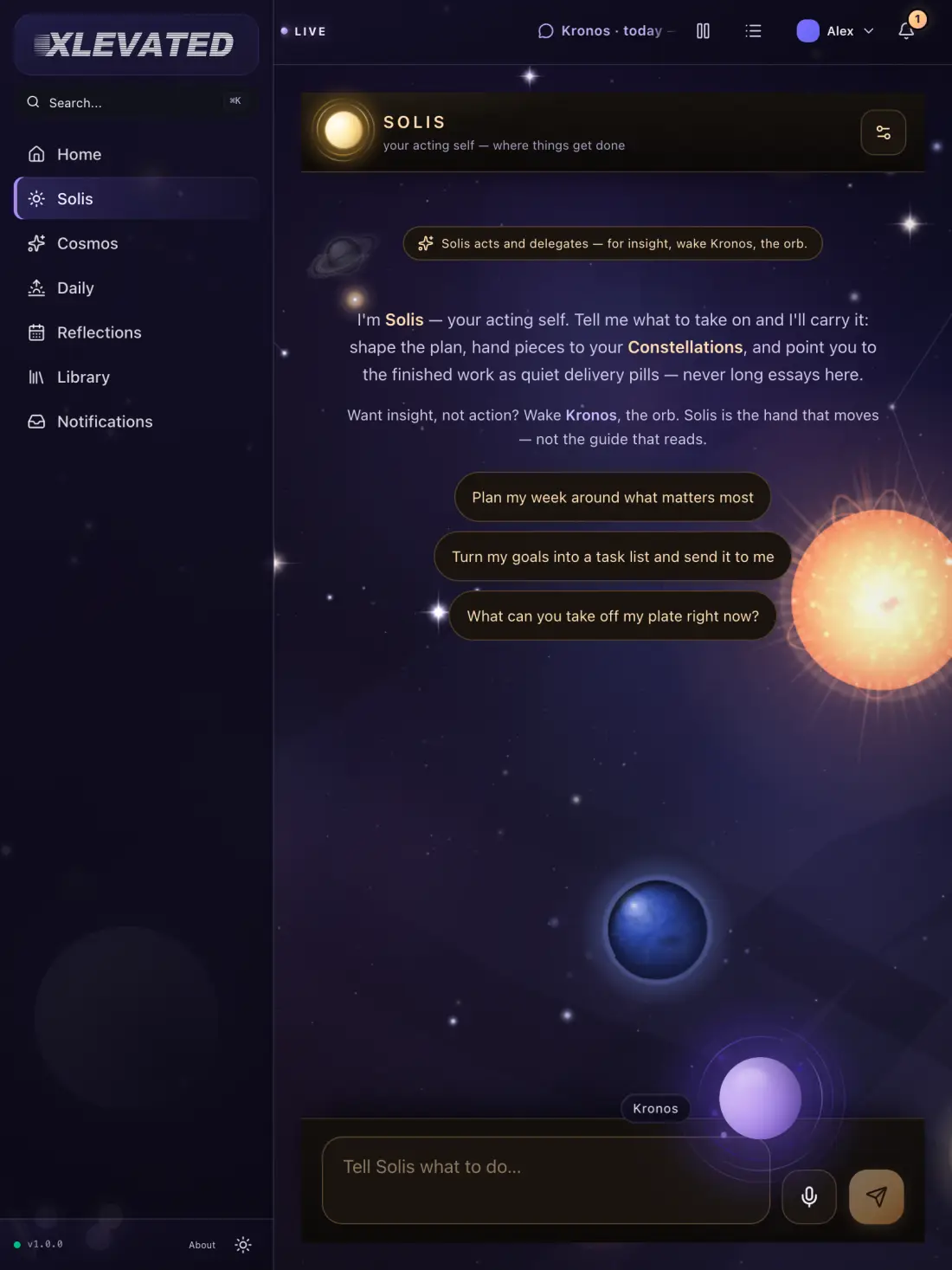
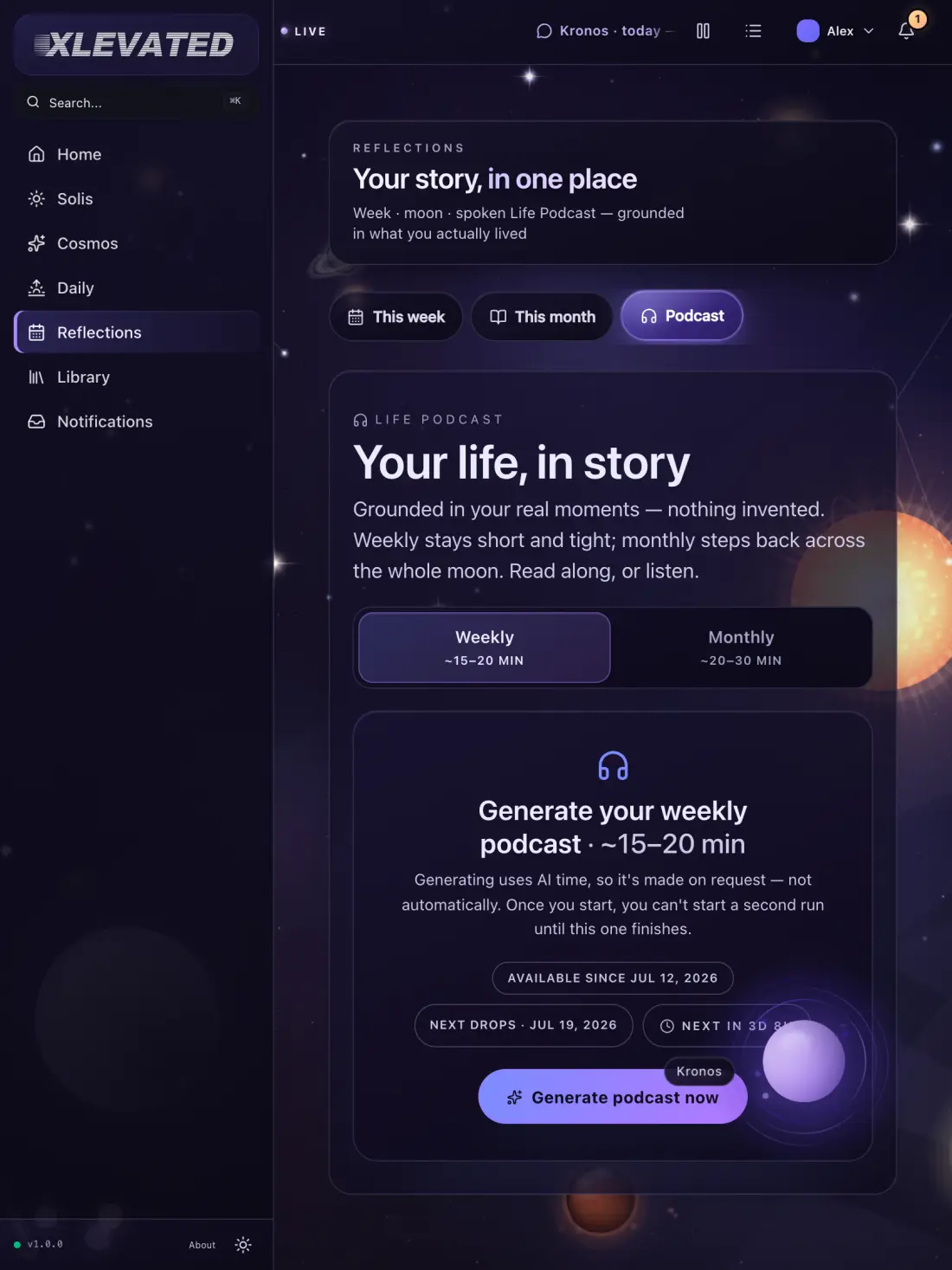
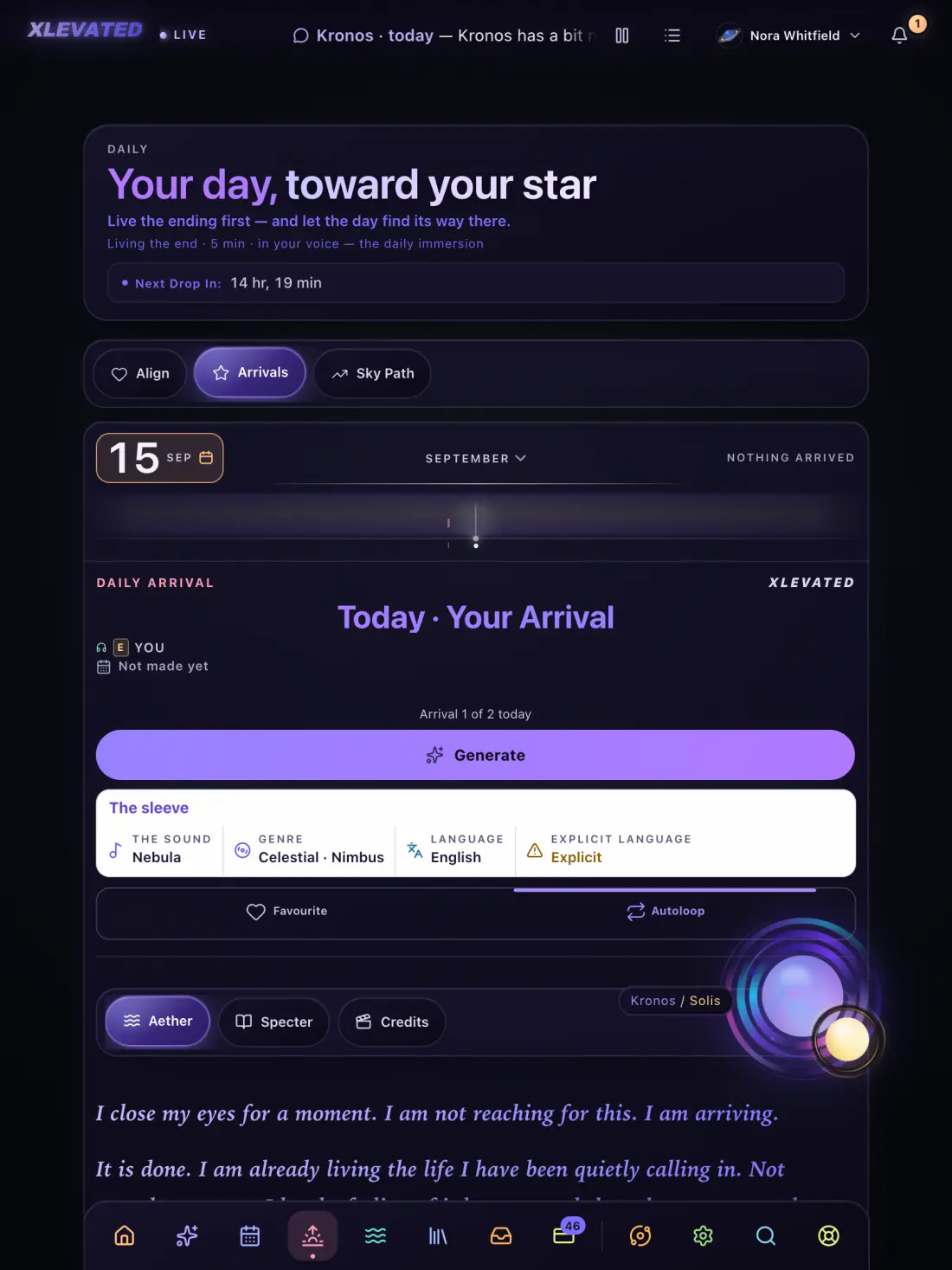
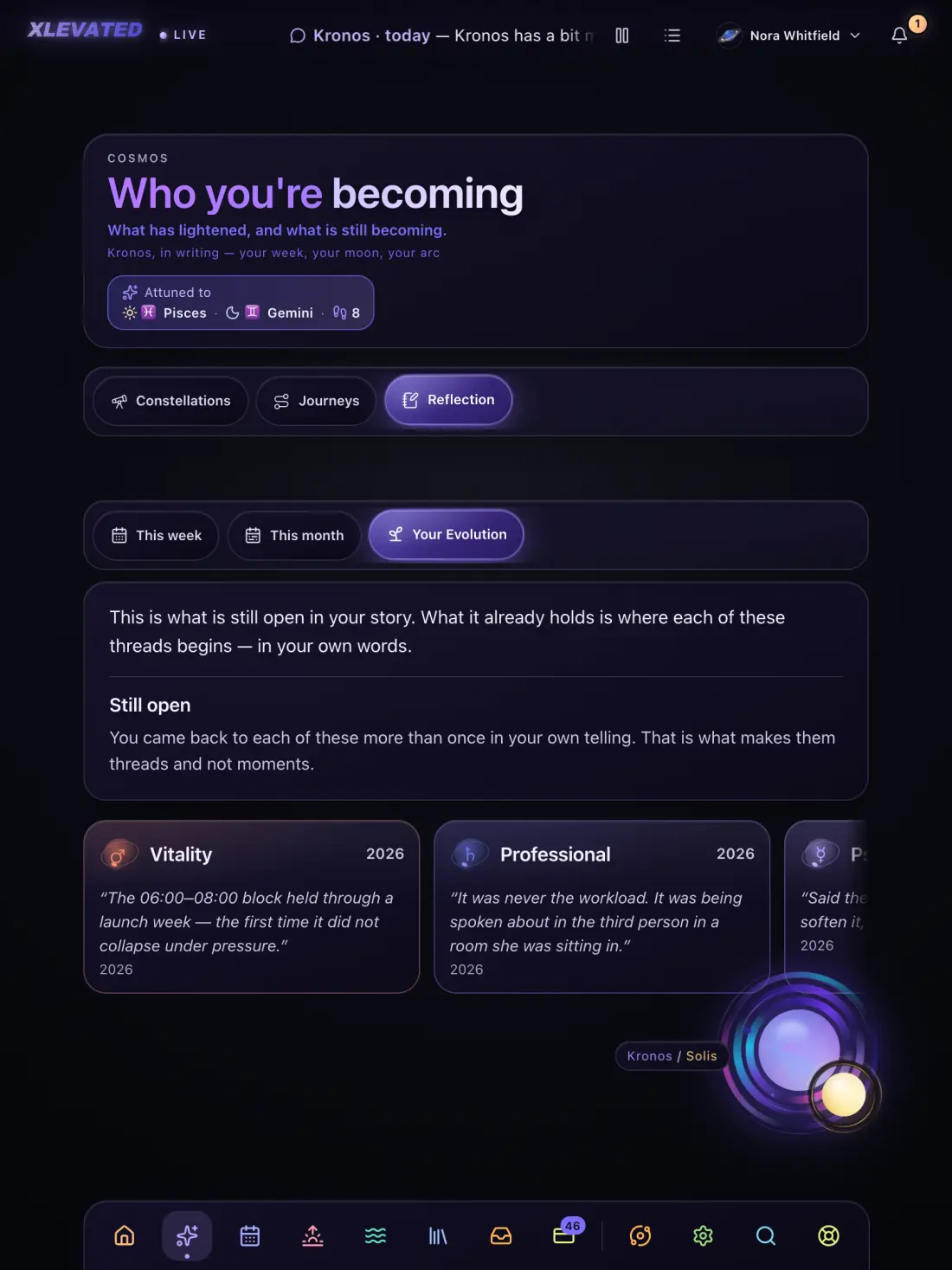
The point of a tablet is that two things can be true at once. XLEVATED takes a half or a third and stays entirely itself.
Drag XLEVATED into a Split View and it reflows into a column — the reading stays legible, the rail folds, and nothing gets cut off the right-hand edge.
Kronos on the left, your own notes on the right. The point of a sitting is what you do afterwards, and on an iPad you do not have to leave the sitting to do it.
The window resizes rather than letterboxing. Put it where it suits you and it will stay there — the cosmos does not insist on being the only thing you are looking at.
One account, one sky. Whatever you open it on, you pick up exactly where you set it down.
XLEVATED for iPad arrives alongside iPhone as one universal app — one download from the App Store, sized to whichever you open it on.
There is no waitlist form to fill in. Begin your cosmos on the web — it is the same account, and it comes with you the day the app lands.
What it needs
Prefer to stay in the browser? XLEVATED on the web is the same product, with nothing to install. All three apps.